Bērnu viedpulkstenis Xplora X6 Play Gen 2, melns


Apraksts
Children's smartwatch with school mode
On the X6 Play children's smartwatch, you can set school mode. When this mode is enabled, regular calls cannot be made from the watch, and incoming calls are not accepted. Only the time is shown on the screen, so the child will not be distracted during lessons.
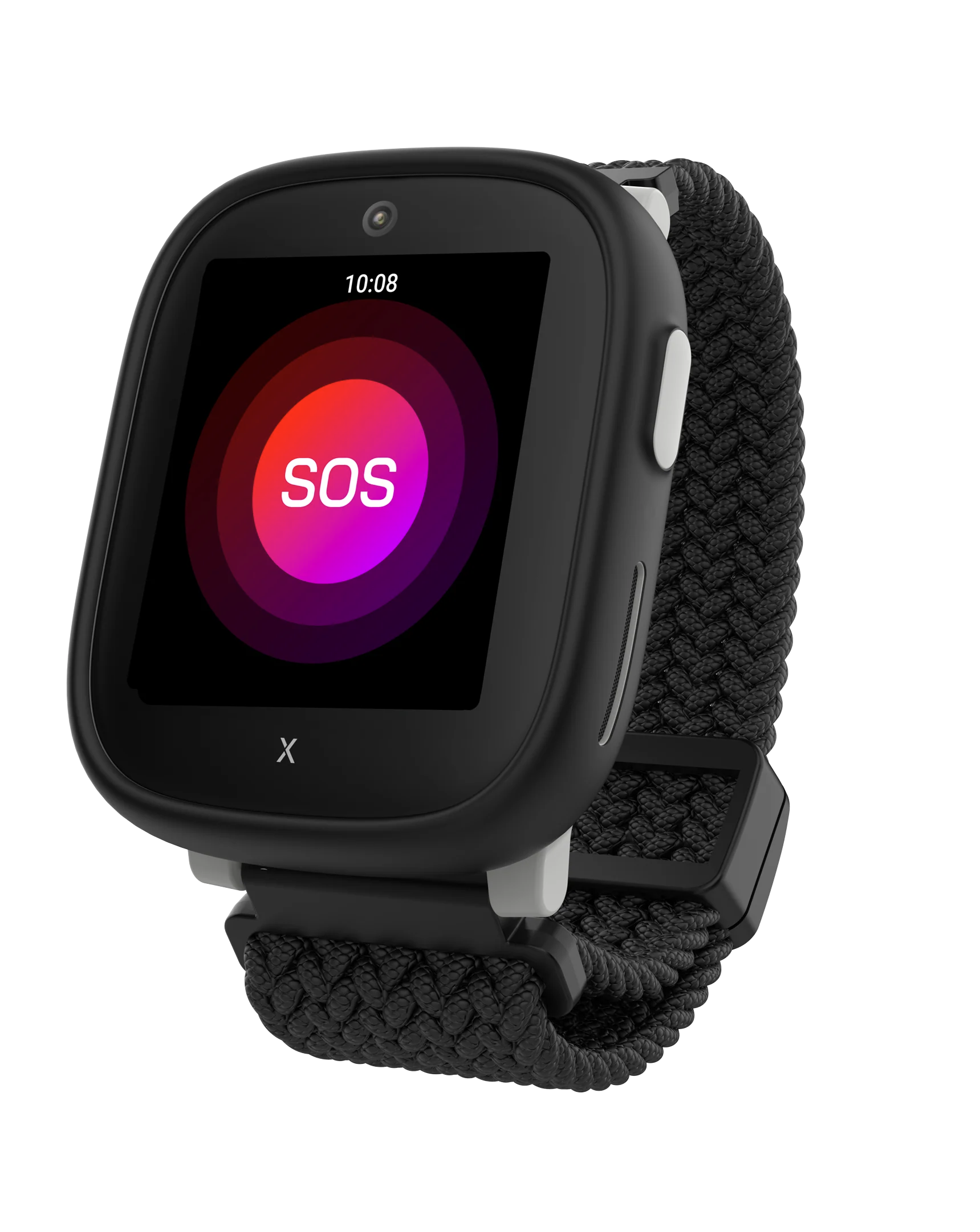
However, even when school mode is active, the SOS help button remains active, so if needed, the child can always call for help.
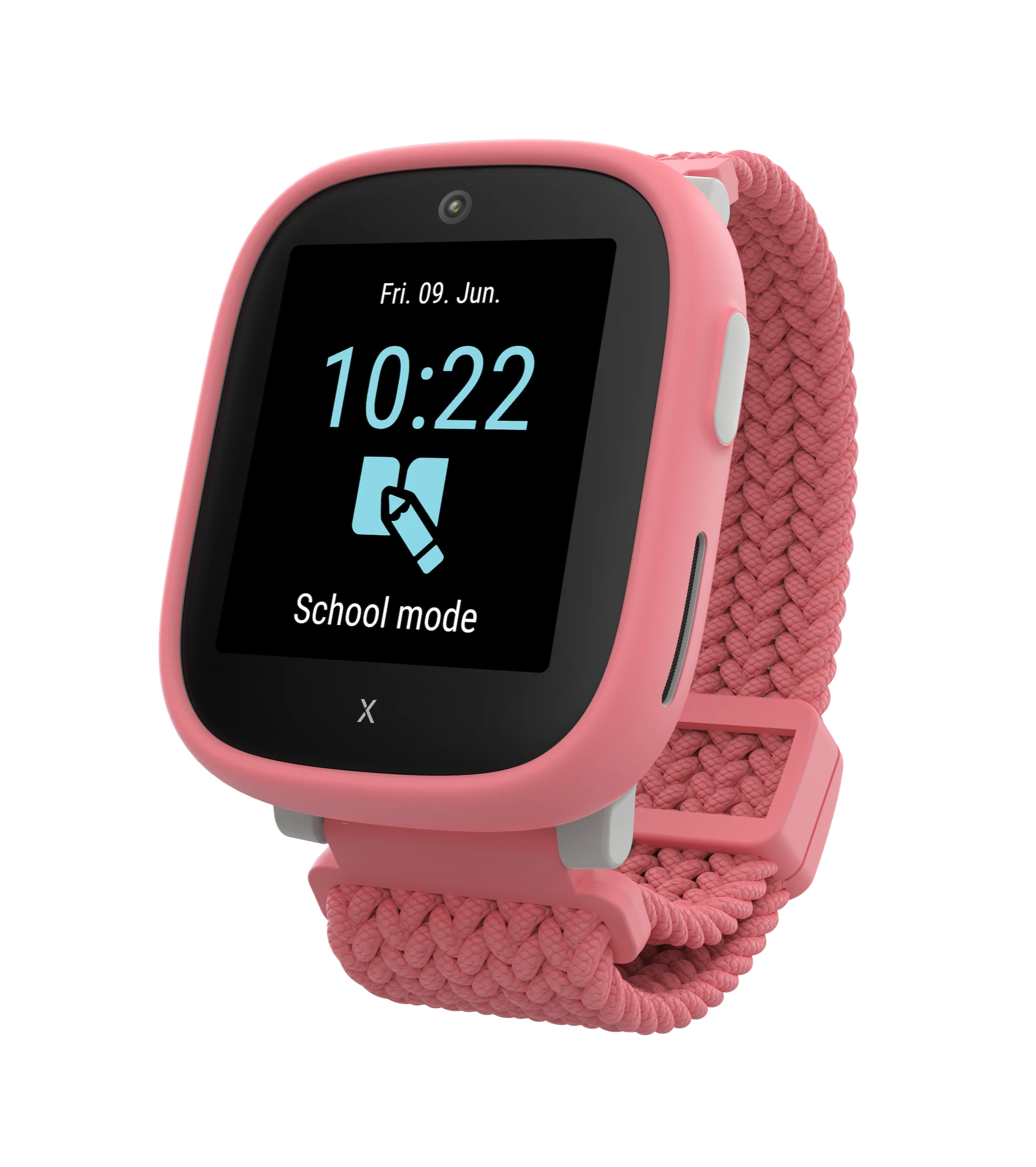
More powerful. More personal.
With X6 Play, you get a playful and powerful smartwatch that gives children many opportunities to customize it to their taste – both by changing physical details and software settings.
Technically, it is a big step forward: a faster processor, a brighter and clearer screen, a longer-lasting battery, better speaker sound quality, and more memory than previous models.
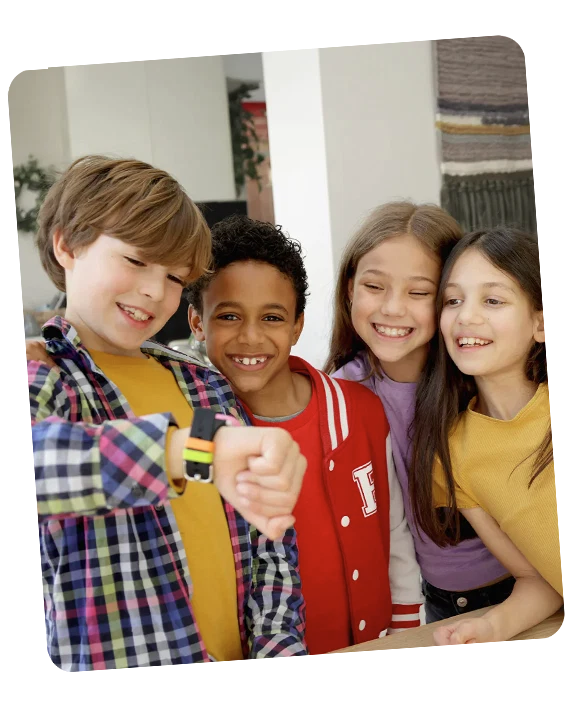
No internet access
Xplora smartwatches prioritize safety and parental control, so they do not have internet access.

No unwanted calls
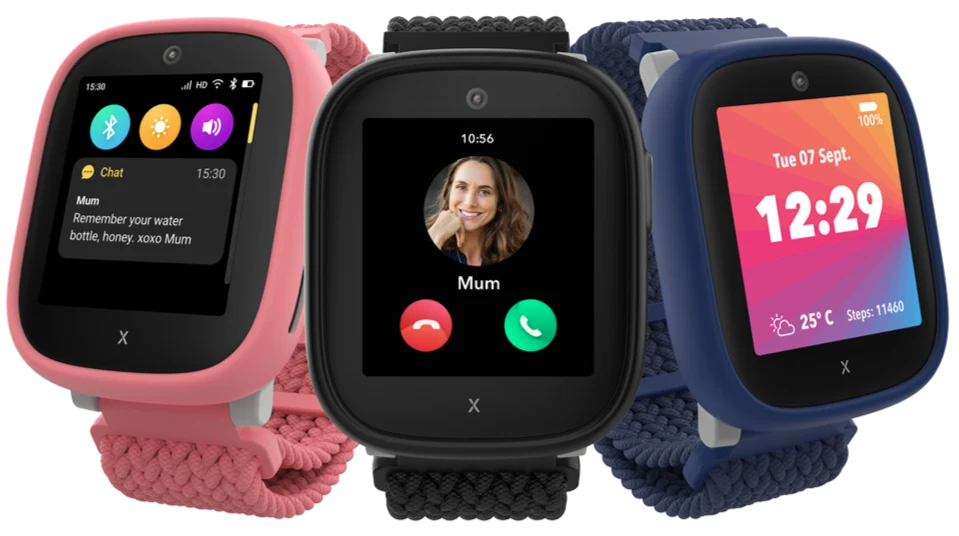
Using the comprehensive control features of the Xplora app, parents can fully control which contacts can communicate with the child's smartwatch.

No social networks
Xplora smartwatches protect children from social media content and help ensure a safe and age-appropriate digital environment.

Calls and voice messages
A safe smartphone alternative for children
Do you want your child to be able to call you when away from home, but you are not yet ready to give them a full-fledged smartphone? The X6 Play children's smartwatch is a safe alternative.
With it, you can make calls and send voice messages, but you cannot browse the internet. Making a call is extremely simple – just touch the watch's touchscreen.
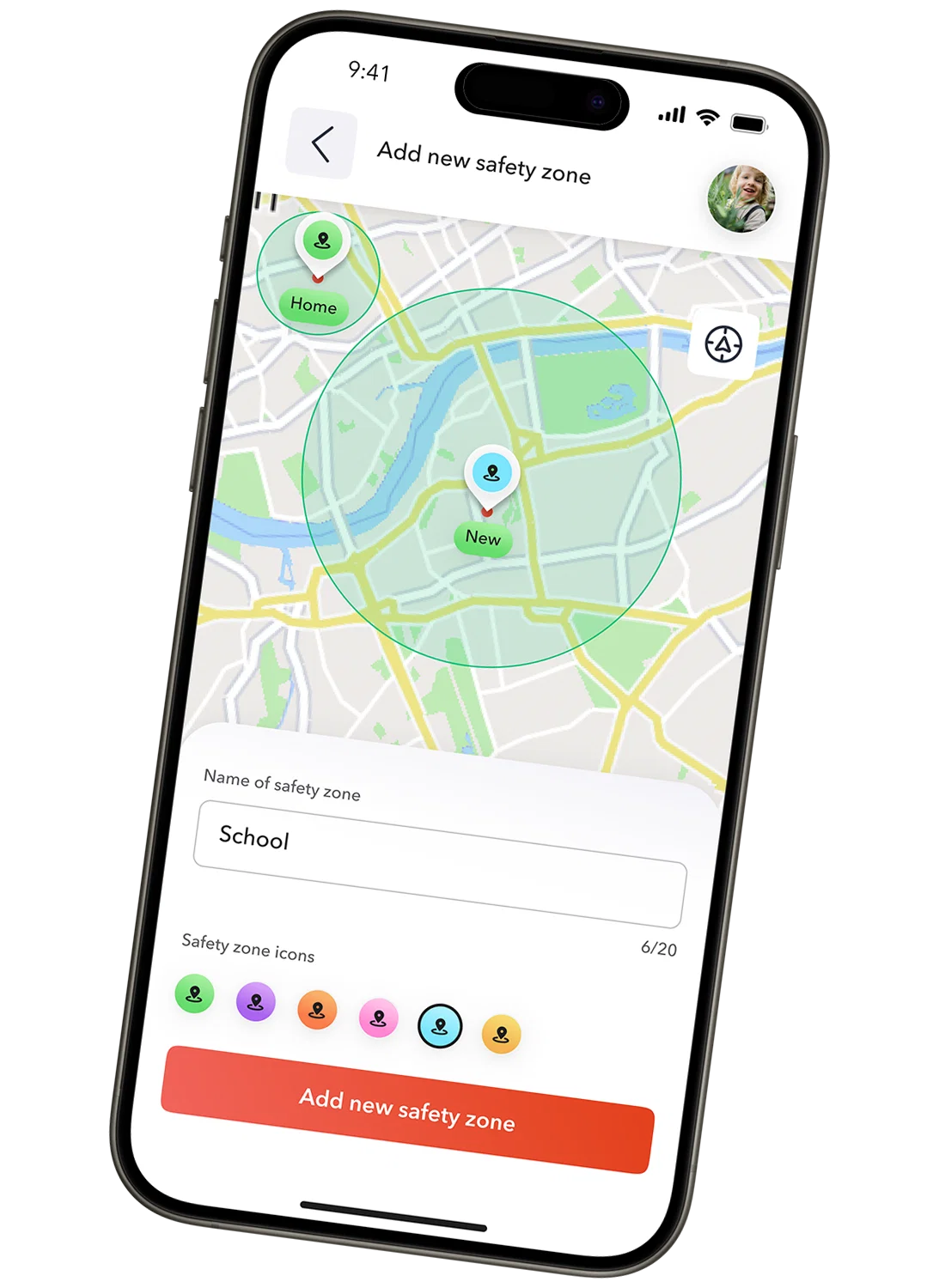
Safe zones for the child using GPS tracking
You can feel calmer when your child is away from home. Using the GPS location feature, you can see in real time where your child is.
In the Xplora app, you can also set safe zones where the child is allowed to be. Parents can choose the desired radius of the safe zone. If the child leaves the set area, the watch detects it and sends a notification to your smartphone.
This way, you can react quickly if the child gets lost or needs help.
SOS button on the children's watch
If the child needs your help, they just need to press and hold the SOS button on the X6 Play smartwatch for five seconds.
The watch will alternately call two family members whom you have set as administrators in the app. In addition, both administrators receive a direct notification with the child's location.
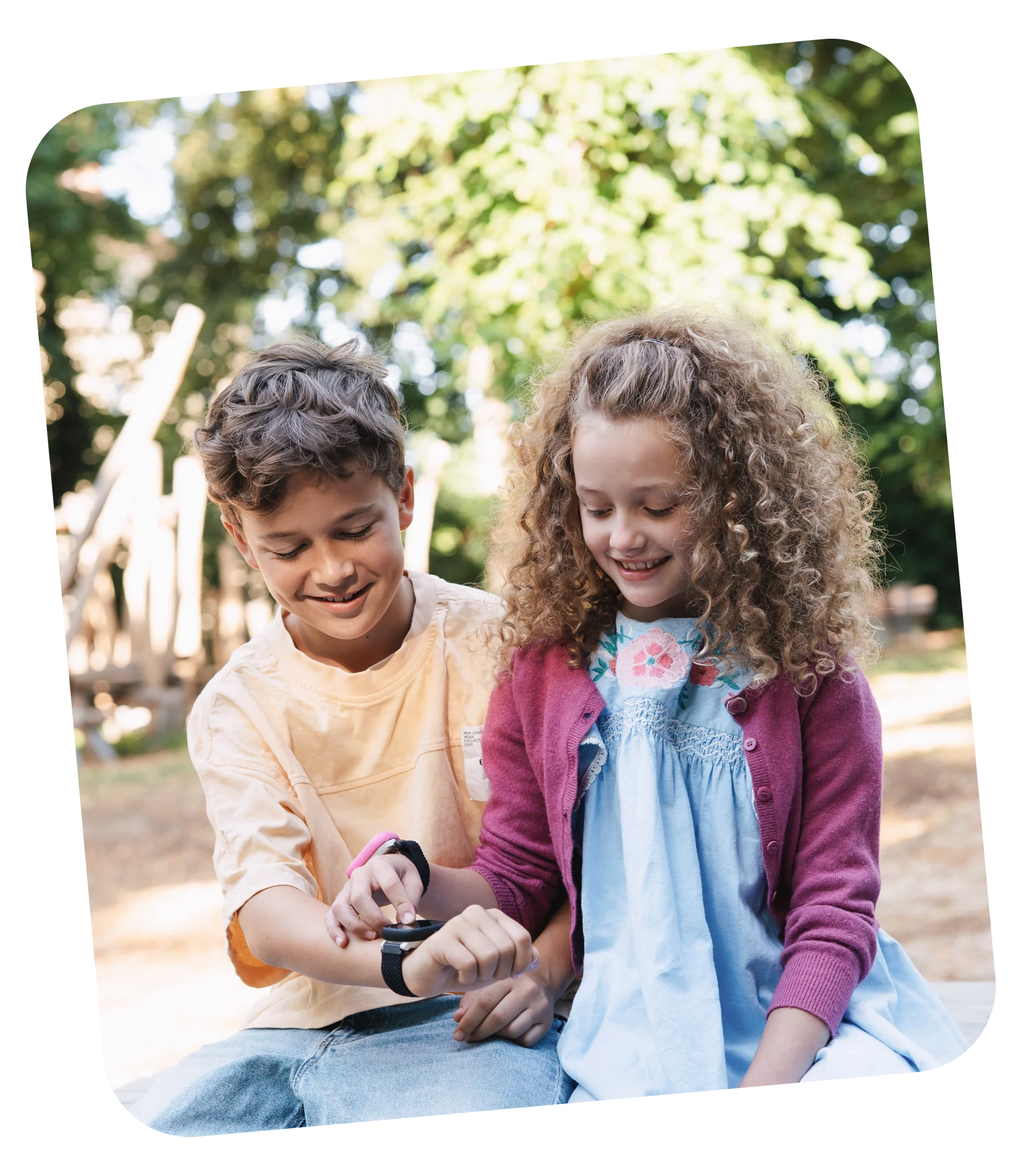
Capture childhood moments with a 5 MP camera
The X6 Play has one of the best camera features in this category of devices. The 5 MP resolution allows you to take quality photos and record videos.
Let the child freely explore the world, discover small everyday wonders, build friendships, and together create a photo album that preserves the most beautiful memories of a carefree childhood.
Specification:
| Hardware | |
|---|---|
| Chipset | Unisoc W377 |
| Processor | 1.2 GHz quad-core ARM Cortex-A7 |
| Battery | 900 mAh |
| Kamera | 5 MP |
| Atmintis | 1 GB RAM + 8 GB vidinės atminties |
| Atsparumas vandeniui | IP68 |
| Ekranas | 38,6 mm TFT (360 × 400 px) |
| Ryšiai | |
| Mobilusis ryšys | 4G |
| Vietos nustatymas | GPS + Wi-Fi + LBS |
| Operacinė sistema | Android |
| Įkroviklis | Įkrovimo stotelė |
| Jutiklis | G jutiklis |
| SIM kortelė | Nano SIM |
| Papildoma informacija | |
| Akumuliatoriaus veikimo laikas | 72 val. |
| Svoris | 58 g |
| Matmenys | 51 × 42,4 × 14,7 mm |
Specifikācijas
- Svars
- 0.23 kg
- Zīmols
- Tlm


